 EmuPC
Windows PC games
on your iPhone and iPad.
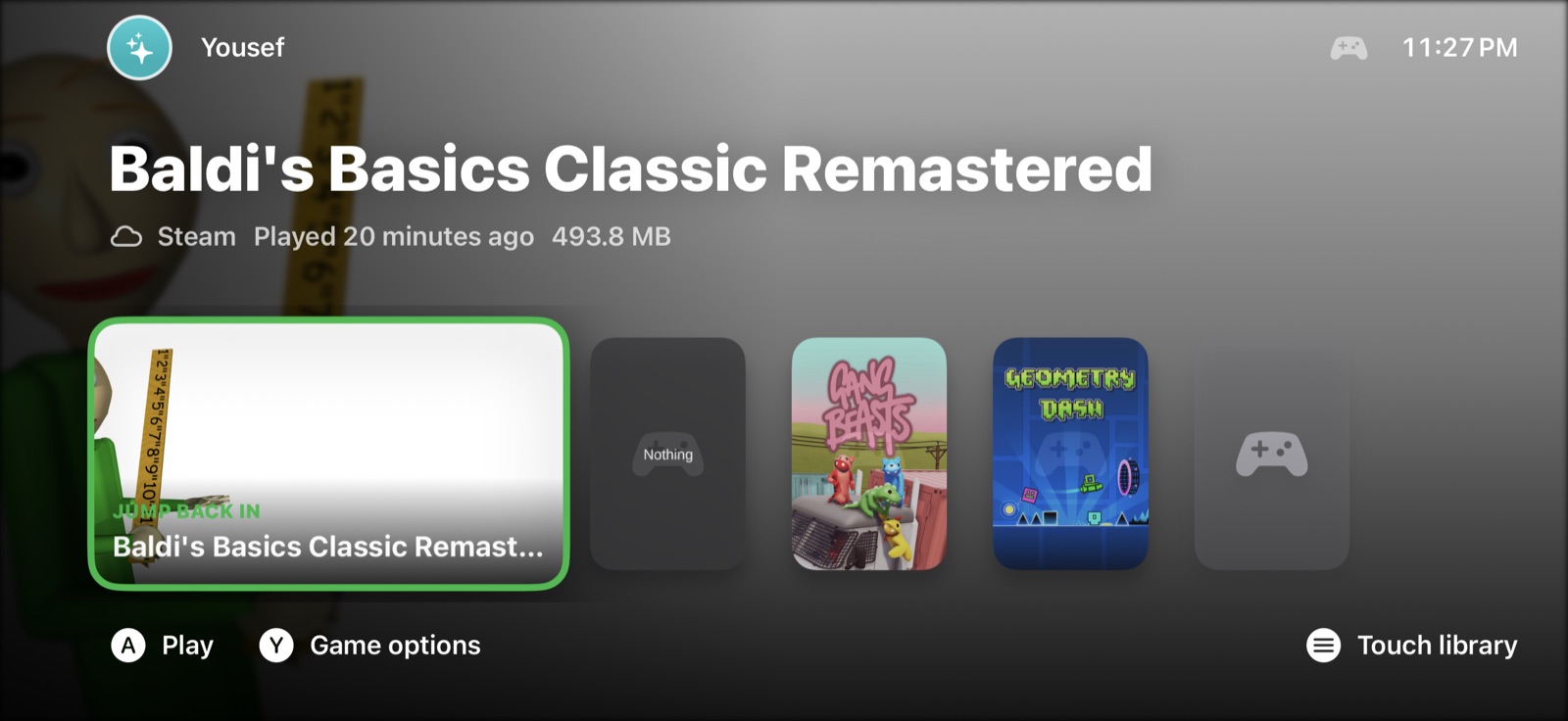
EmuPC is a free, open-source PC emulator for iOS. Play your Steam, GOG, Epic, EA and itch.io games in one app, with a console-style home built for a controller. No jailbreak.
Download
EmuPC is an IPA you sideload. The newest versions show up here automatically.
Official builds are published only by yabdelsa2862-lab/EmuPC. Copies on other pages, forks or mirrors aren't official and may be changed. Check the SHA-256 below before installing (how).
Loading the latest releases…
All versions: GitHub releases.
What you get
EmuPC keeps Madeira's engine and adds its own interface, stores and quality-of-life features on top.
A console home
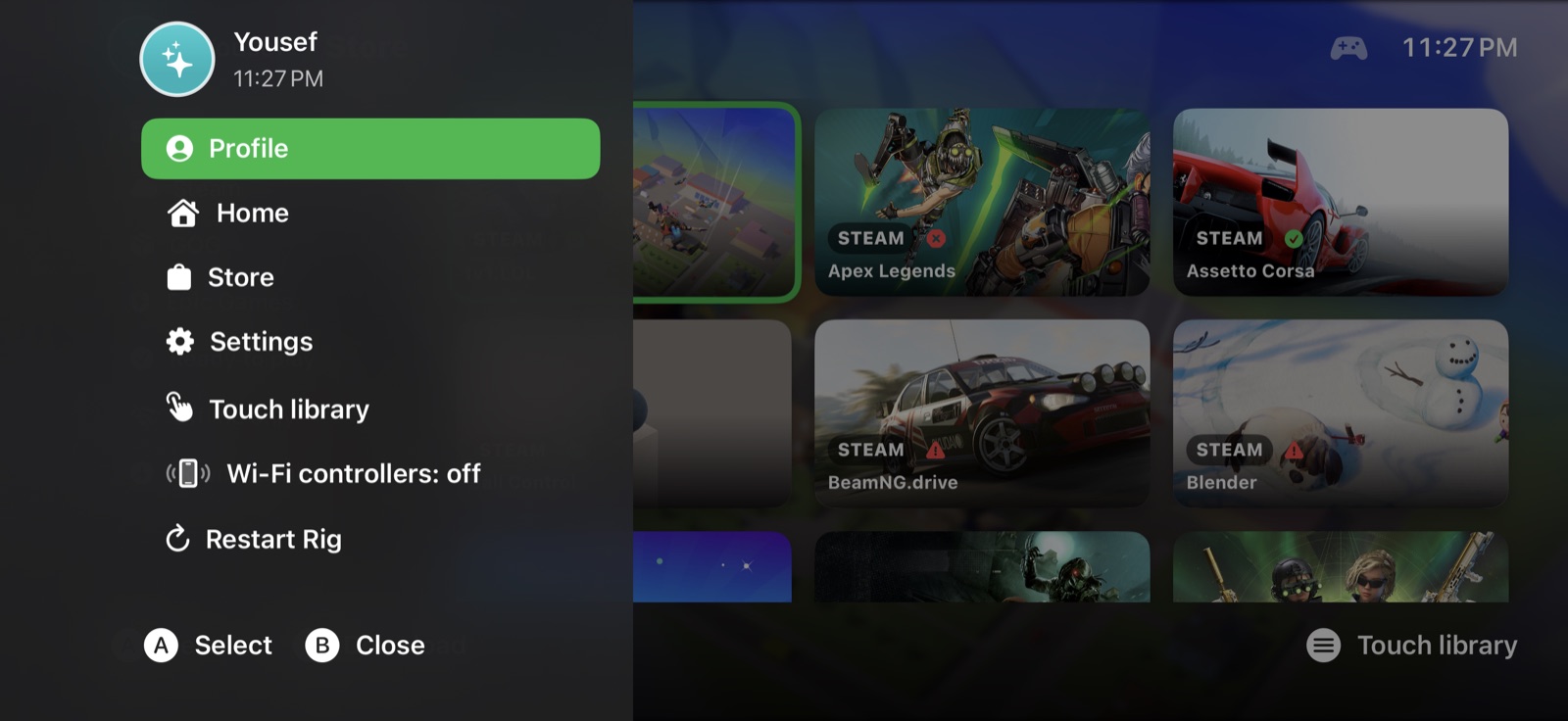
Jump back into your last game, browse your library and open the guide with the Xbox button, all from a controller.
Your stores in one place
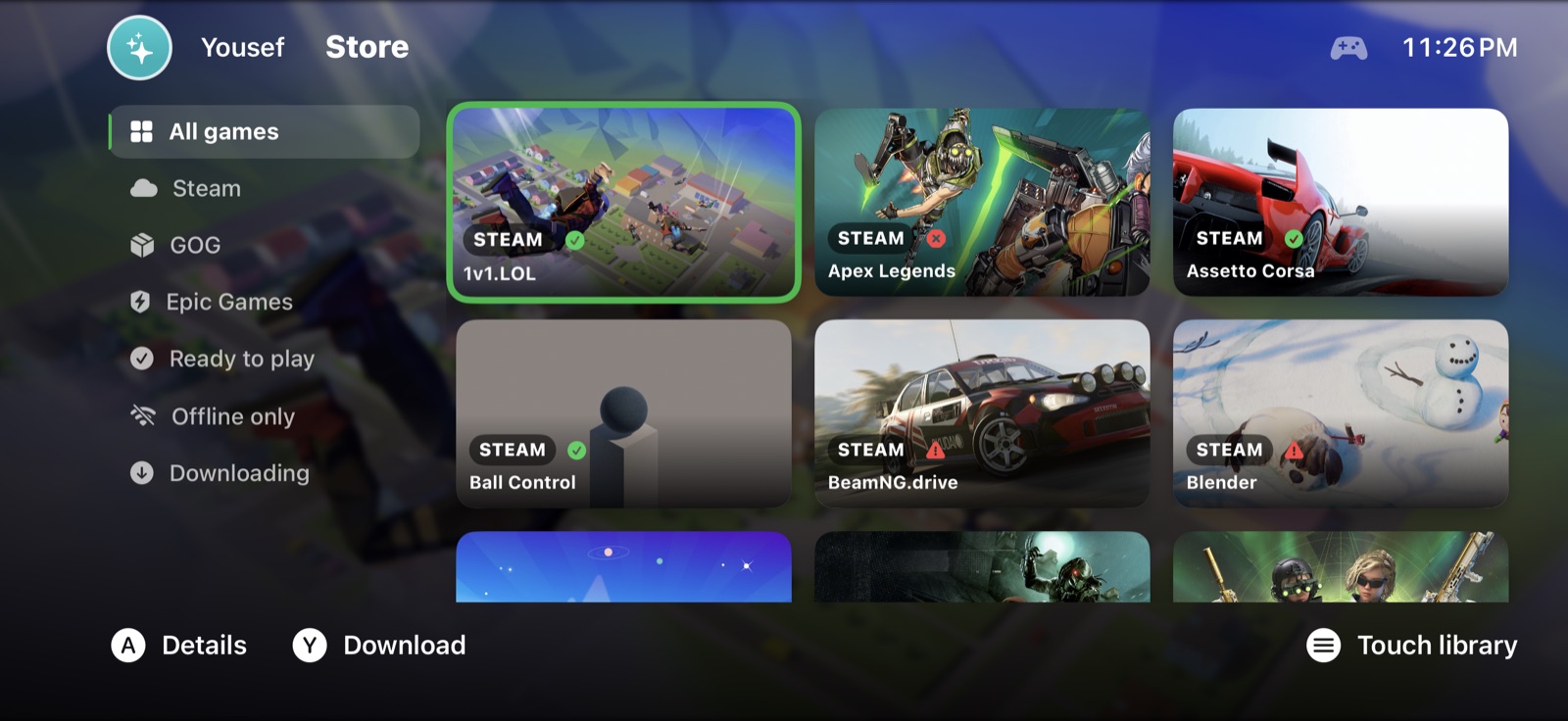
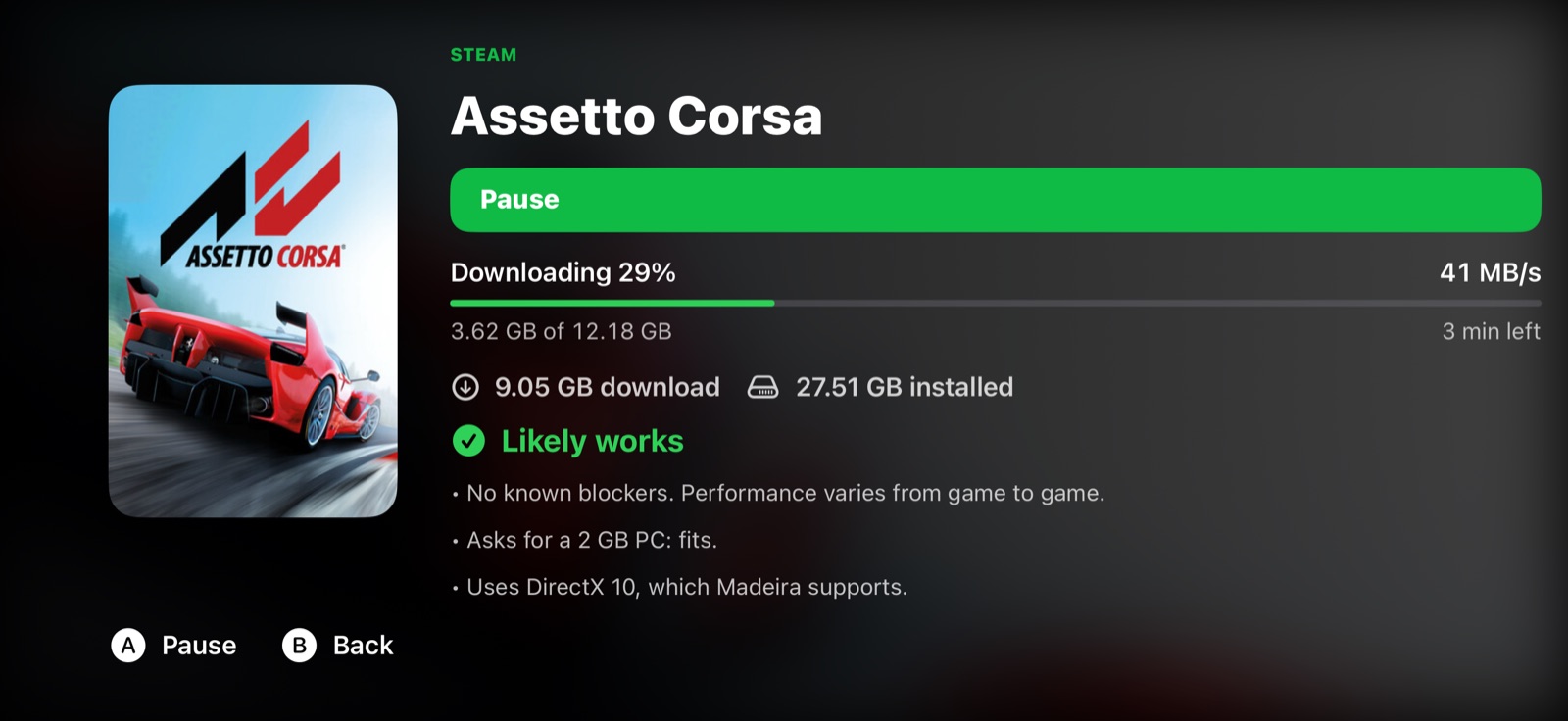
Steam, GOG, Epic Games, EA app and itch.io, with filters and a compatibility estimate for each game.
Steam extras
Achievements, owned DLC, Workshop items, beta branches, friends and game invites, even while you play.
Controllers your way
Xbox, PlayStation, MFi and Steam Controller. Remap any button, even to a keyboard key or mouse click.
Touch, keyboard and mouse
On-screen controls you can arrange, plus hardware keyboards and mice.
Play on a TV
AirPlay or a cable to a TV or monitor, with the phone as a controller.
In action
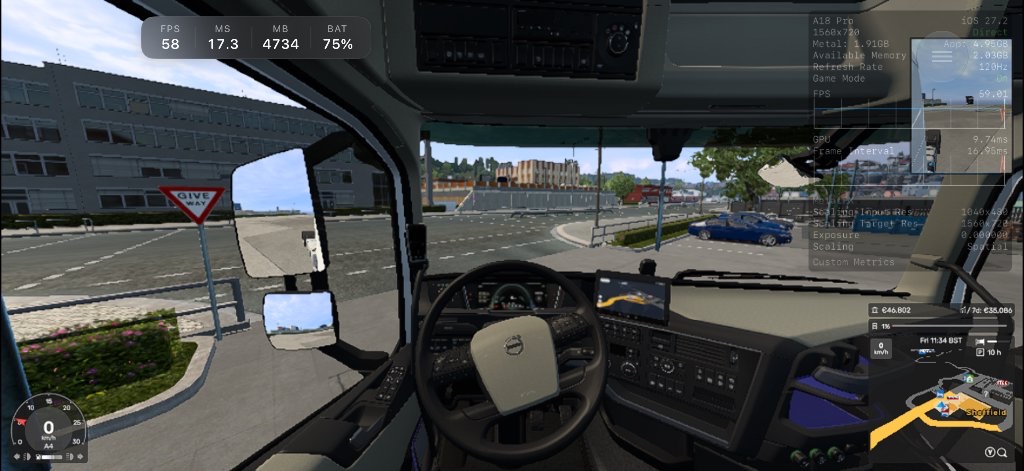
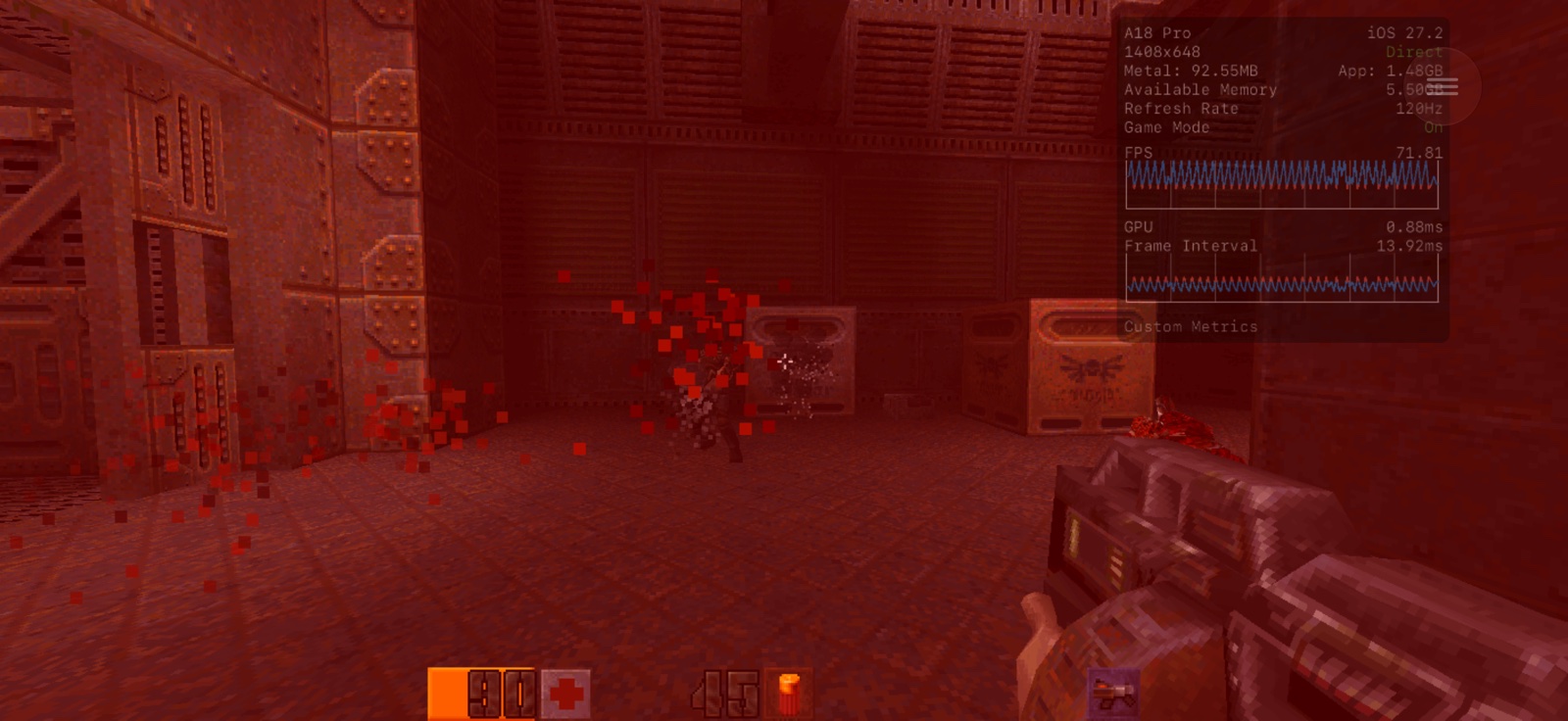
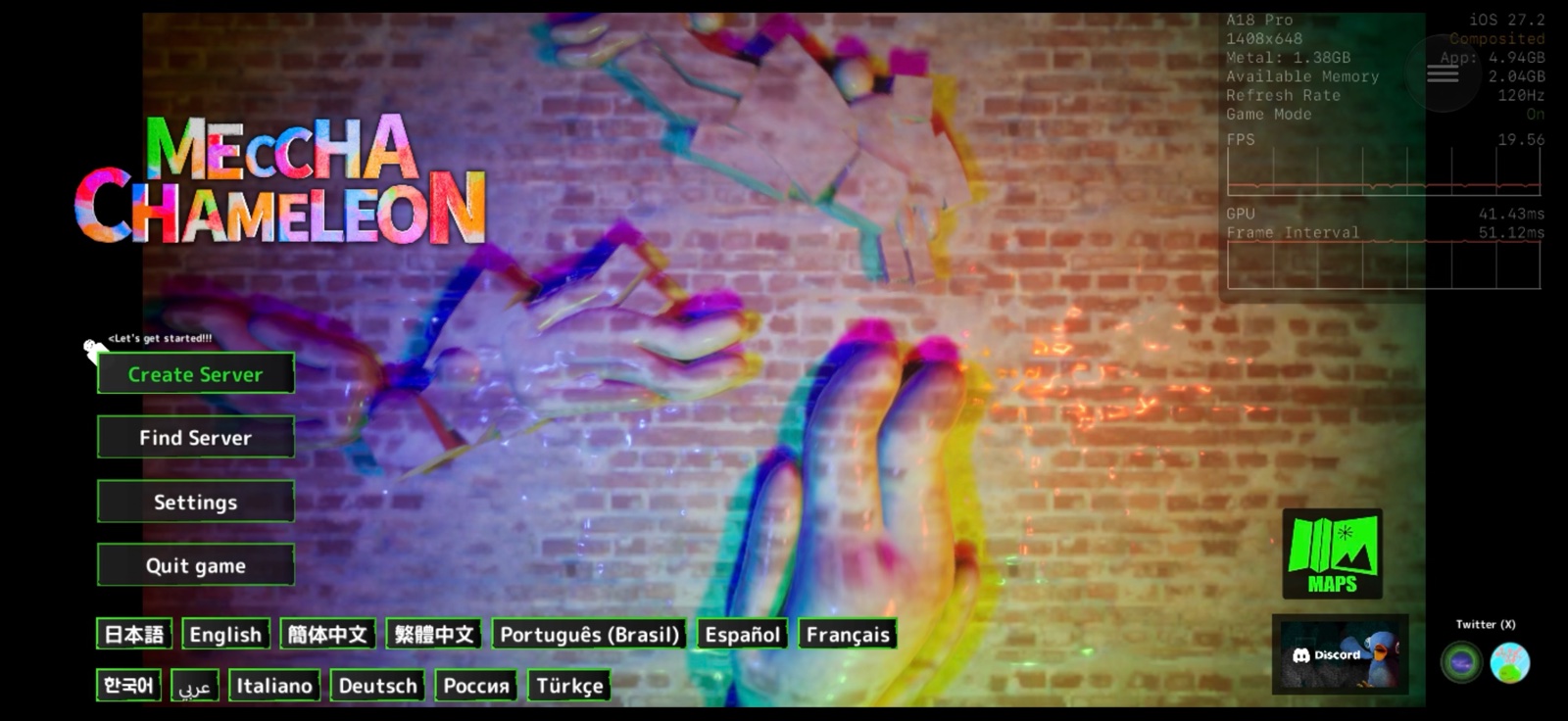
Real games, running on an iPhone.
Get started
Tested on an iPhone 16 Pro Max (8 GB) and an iPad Air 4 (4 GB) on iOS 27. Other recent iPhones and iPads should work; 4 GB devices get a low-memory profile and run lighter games.
- Download the IPA
From the Download section above, and check its SHA-256.
- Sideload it
Use SideStore, AltStore or Sideloadly. With a free Apple ID, apps stay signed for 7 days, so refresh EmuPC in SideStore or AltStore before then (an expired copy says it's "no longer available").
- Add the memory permissions
Use GetMoreRam to give EmuPC's App ID the increased memory limit and extended virtual addressing. Bigger games need them; the Memory+ badge turns green when they're on.
- Turn on JIT
EmuPC needs JIT to run games. Use its built-in helper or StikDebug with LocalDevVPN; EmuPC's first-run setup walks you through it. Details: JIT setup.
- Sign in and play
Sign in to your stores, download a game you own, and press Play.
Check your download
The SHA-256 is a fingerprint of the file. If yours matches the one shown in the Download section, it's the exact file from the official release.
Mac
In Terminal:
shasum -a 256 ~/Downloads/EmuPC-*.ipa
Windows
In PowerShell:
Get-FileHash $HOME\Downloads\EmuPC-*.ipa
FAQ
Is it free?
Yes. EmuPC is free and open source under the GPL-3.0 license. You only need to own the games you play.
Will every game run?
No. EmuPC is an experimental project. Many games start and some play well, but performance and compatibility vary from game to game, and the store shows an estimate for each one.
Do online games with anti-cheat work?
Usually not. Anti-cheat systems like Easy Anti-Cheat have no iOS version, so their online modes can't connect. EmuPC doesn't try to get around anti-cheat.
Why isn't it on the App Store?
Running PC games needs JIT, which the App Store doesn't allow for apps like this, so EmuPC is sideloaded.
It says "no longer available" when I open it
The app's signature expired. Refresh EmuPC in SideStore or AltStore, or sign and install it again. Your games and settings stay.
How do I report a problem?
Open an issue on GitHub and attach the files from Settings › Advanced › Get Help from Claude, so the log shows what happened.